Today
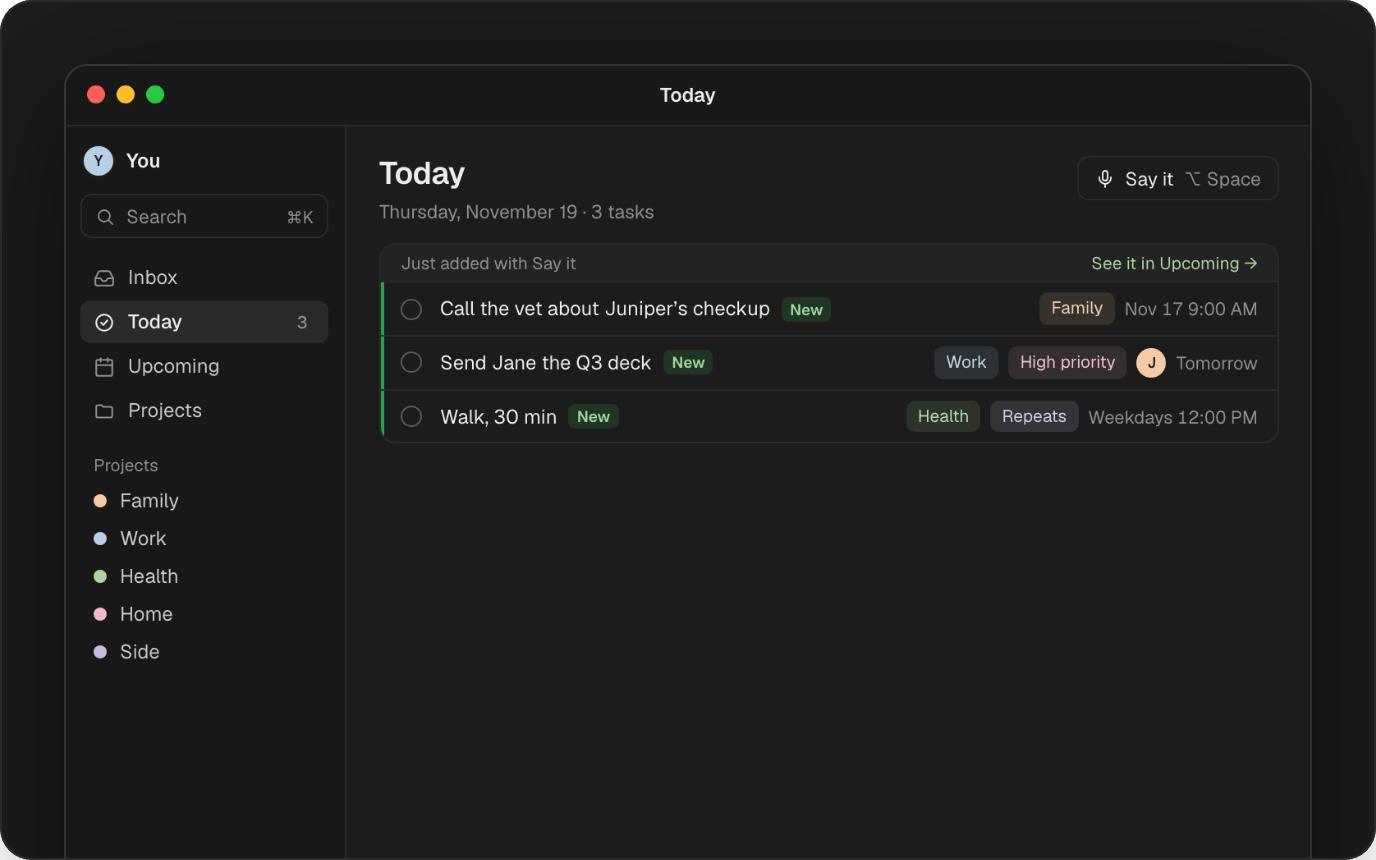
Today lists what’s on for the day. Tasks you’ve just added with Say it appear at the top, under Just added with Say it, so you can see what landed.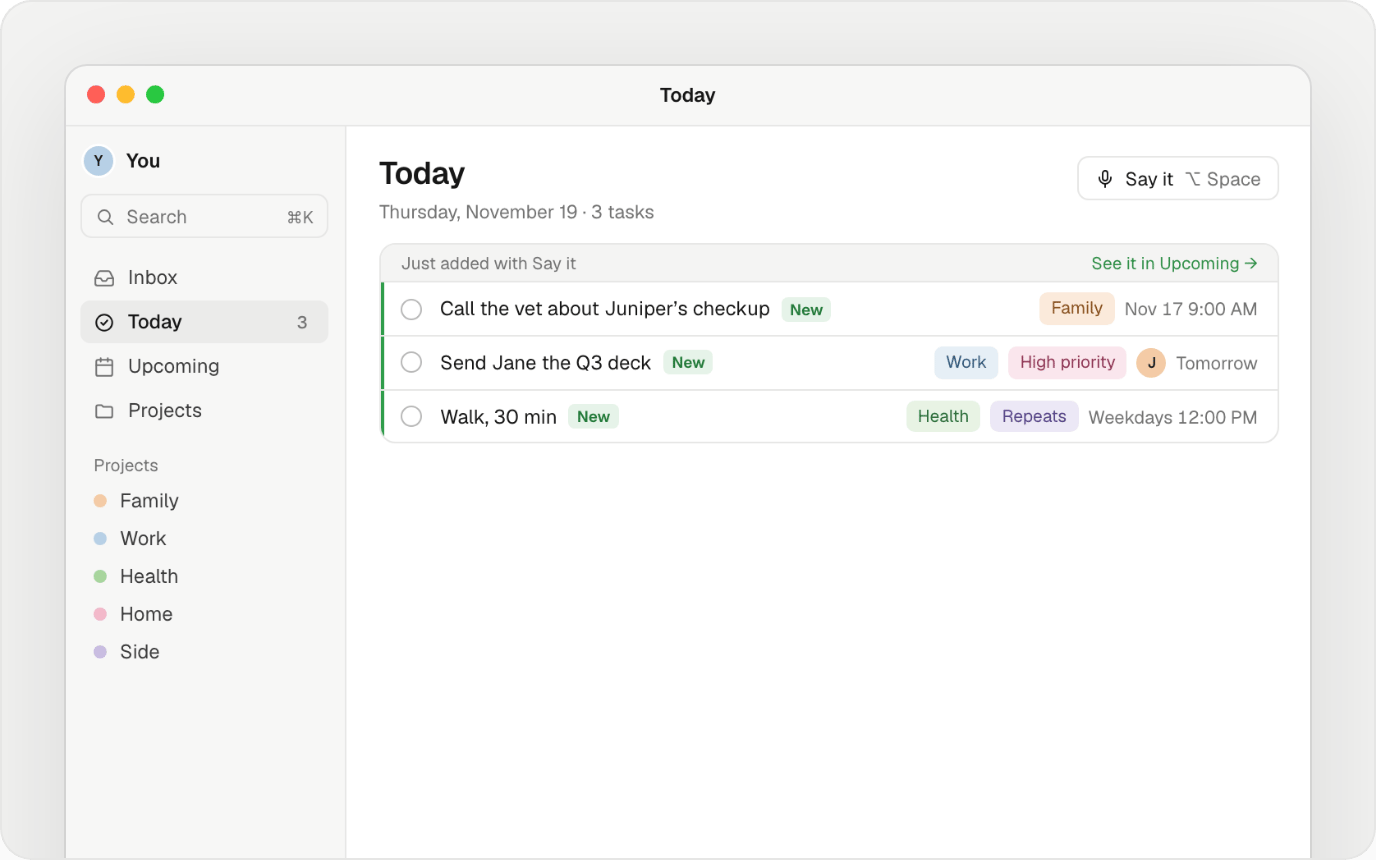
Upcoming
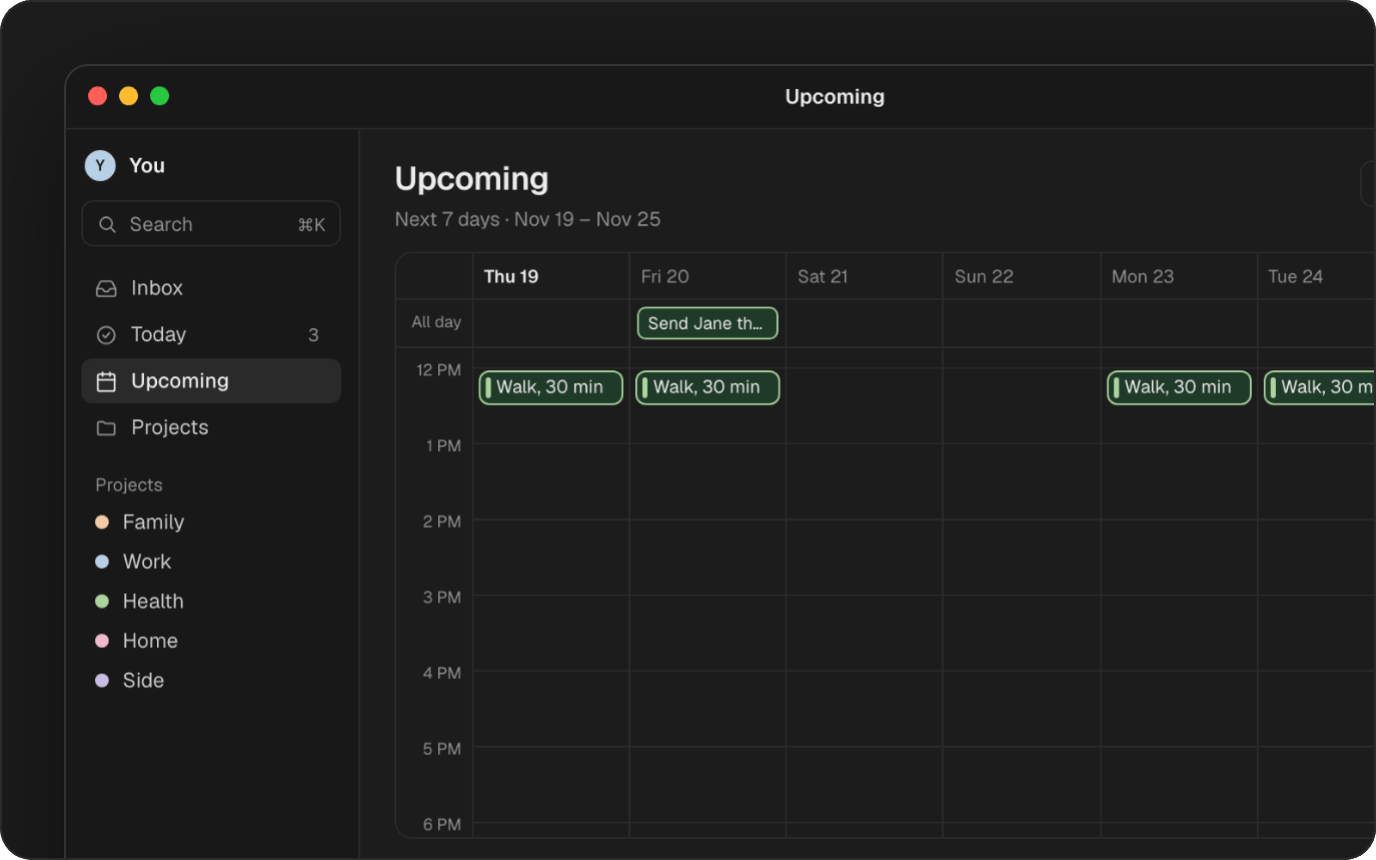
Upcoming shows the days ahead as a calendar. Tasks with a time sit at that time, tasks with only a day sit in the All day row, and repeating tasks appear on each day they happen.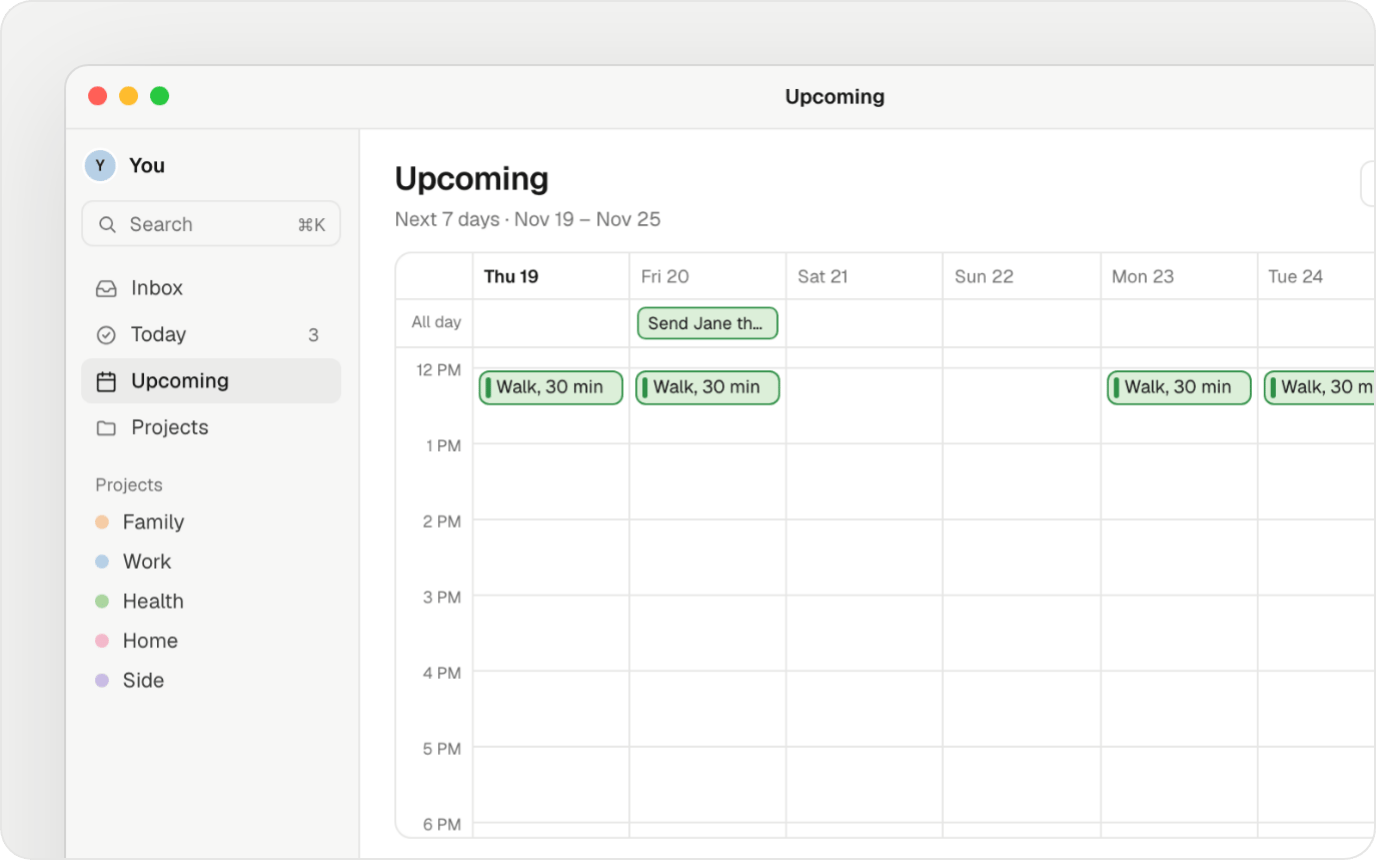
How to move a task
Plans change, and a task can move with them.- In Upcoming, drag the task to another day. On iPhone, press and hold it first, then drag it to another day or up the list.
- Or just say it with Say it, for example “Move the dry cleaning to Saturday”.