How to add tasks with Say it
- Press ⌥ Space on your Mac, or use the Action Button or Lock Screen on your iPhone.
- Say what’s on your mind, the way it comes.
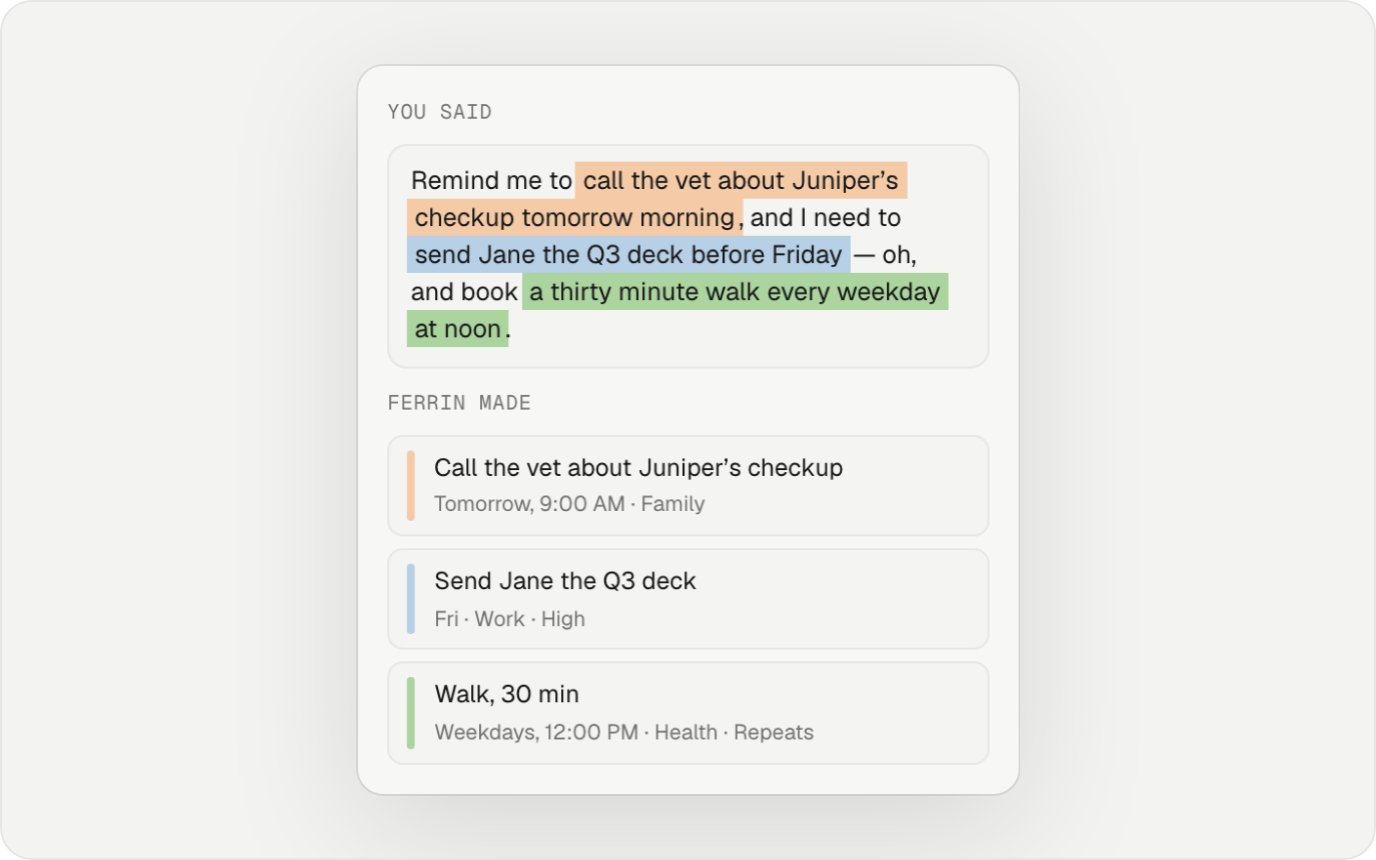
- Let Ferrin sort it. It listens to the whole thought and separates the distinct tasks in it, each with the details it heard: dates, people, priority and project.
- Check what Ferrin heard, make a quick correction if needed, then add the tasks together. See Review before it lands.
One thought, several tasks
One ramble can become several tasks. For example:“Remind me to call the vet about Juniper’s checkup tomorrow morning, and I need to send Jane the Q3 deck before Friday, oh, and book a thirty minute walk every weekday at noon.”Ferrin finds the three tasks in that sentence and fills in what you said about each one.