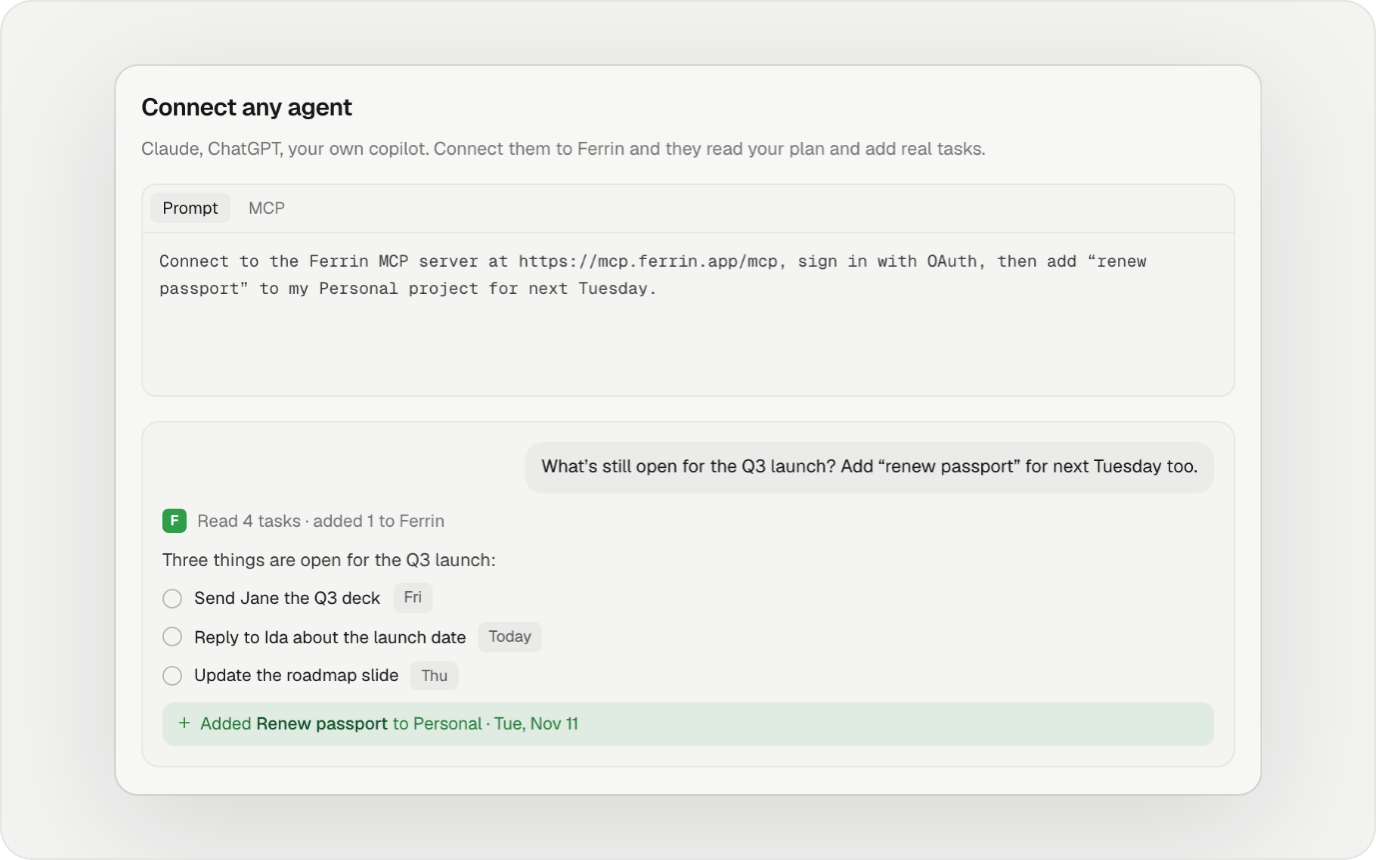
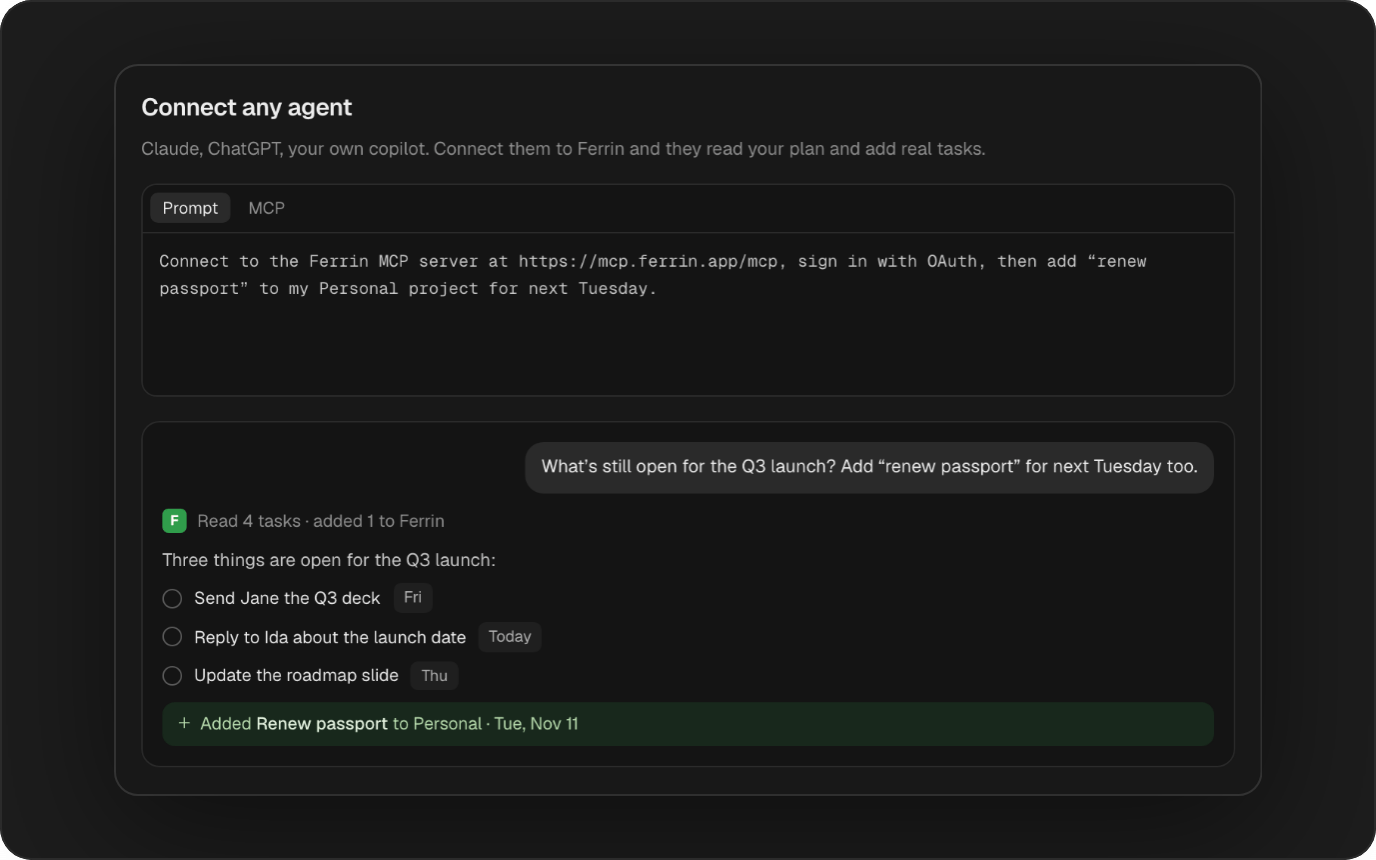
You can connect an AI agent to Ferrin, using a prompt or Ferrin’s MCP server, so the agent can read your plan and add tasks to it. An AI agent connected to Ferrin listing open tasks and adding Renew passport An AI agent connected to Ferrin listing open tasks and adding Renew passport

How to connect with Ferrin’s MCP server

  1. In your agent’s settings, add an MCP server with this address:
  2. When your agent asks, sign in to Ferrin. It uses OAuth, so you approve the connection yourself.
  3. Ask your agent about your plan, or ask it to add a task.

Using a prompt

You can also give your agent a prompt like this: