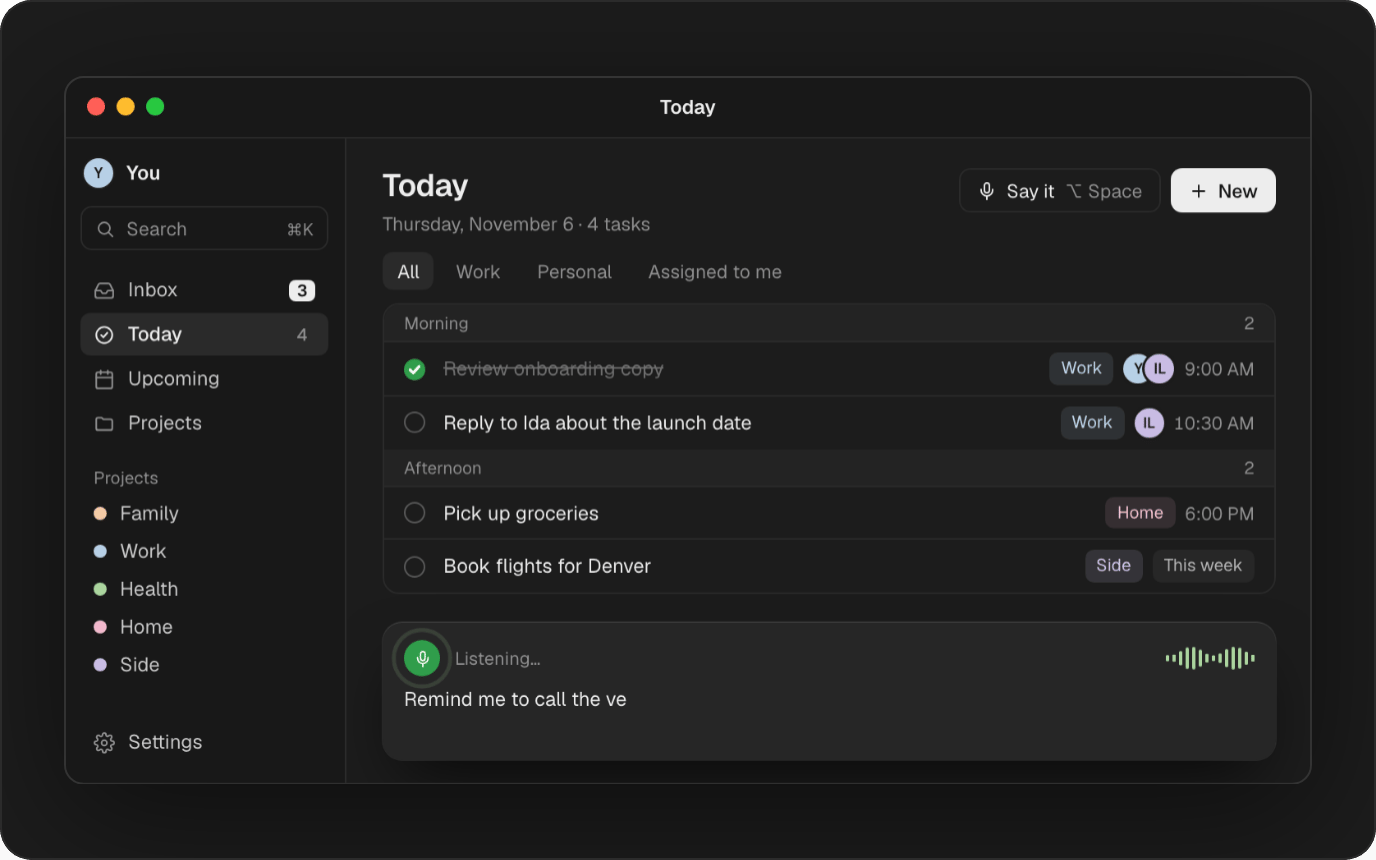

With Ferrin for Mac, you can capture a thought from anywhere, without leaving what you’re doing. Ferrin’s capture bar opens over whatever app you’re in, and the task lands in your plan while you keep working. Ferrin’s Today list with “Send Jane the Q3 deck” just added Ferrin’s Today list with “Send Jane the Q3 deck” just added

How to capture a thought on your Mac

  1. In any app, hold ⌥ Space (Option and Space). Ferrin’s capture bar opens.
  2. Say what’s on your mind. Ferrin shows what it hears as you speak.
  3. Let go of ⌥ Space. Ferrin sorts what you said into tasks and adds them to your plan.

Ferrin’s capture bar listening over the Today list Ferrin’s capture bar listening over the Today list You can also click Say it at the top of Ferrin’s window.